

Princess Azula
by Blork
Portrait Preview
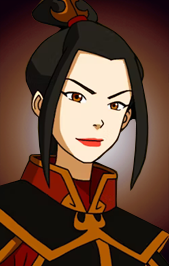 Size M
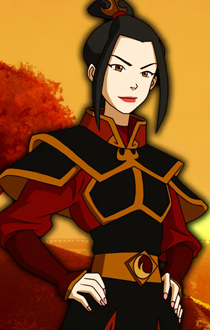 Size L
 //
//
//
//
Soundset Preview
Selection 1
Selection 2
Selection 3
Action 1
Action 2
Action 3
Action 4
Battle Cry 1
Battle Cry 2
Battle Cry 3
Critical Hit
Critical Miss
Hide in Shadows
Dying
Install
Copy everything from the Soundset folder into your game directory (the folder containing Baldur.exe file).
Run .exe file and install the soundset.
Put your custom portraits into: User\Documents\Baldur’s Gate – Enhanced Edition\portraits folder.
Download
Soundset by Blork, originally published on 13/01/2022